Join a course using an enrolment code
When your organisation engages Eventuality to provide you with E-Learning, there are two ways which we can authenticate your account.
- You sign up with an organisation email (eg. Your.Name@eventualitygroup.uk) and courses are autoassigned.
- If your organisation doesn’t have assigned email addresses, we can provided enrolment codes.
Please follow the steps below to access a course with enrolment codes.
Red circles, arrows, or other shapes are provided for this guide only and will not appear on the E-Learning site.
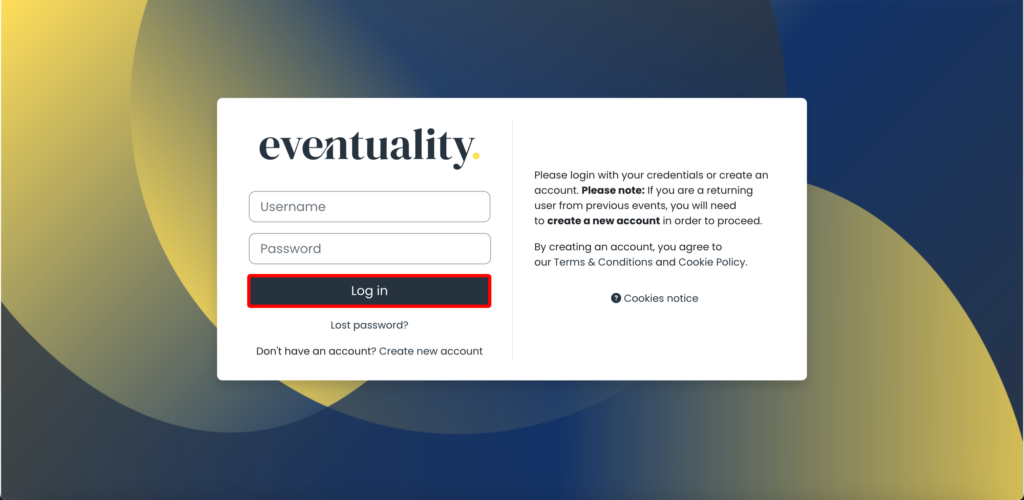
1. Login to the E-Learning system.
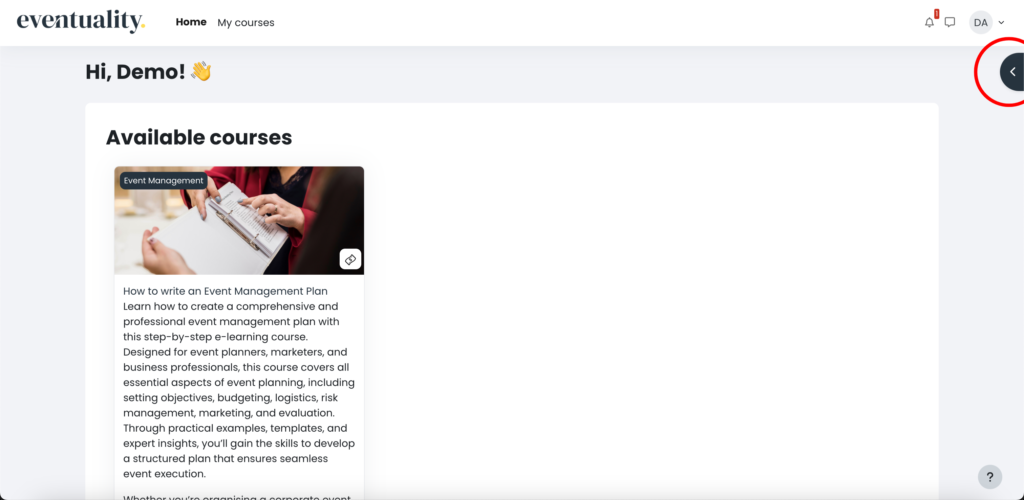
2. From the home page, click on the grey semi-circle on the top right of your screen.
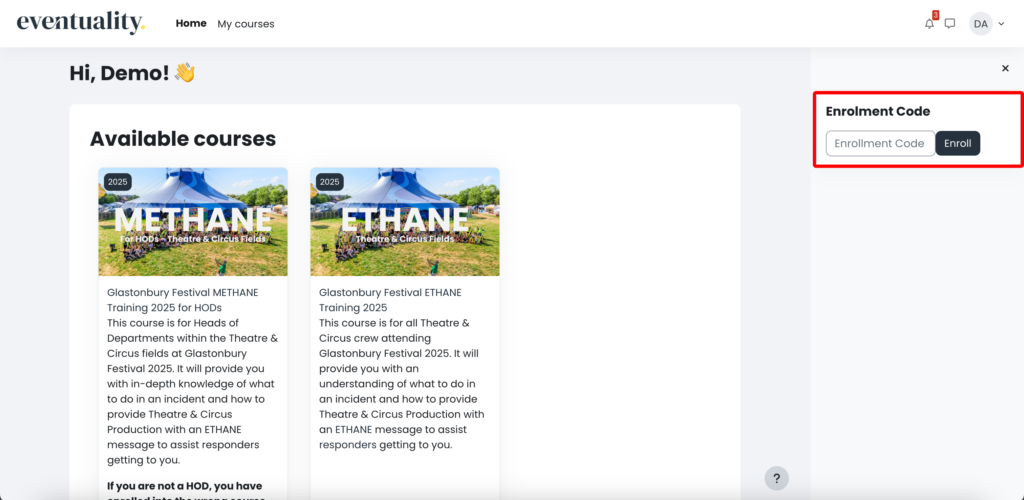
3. Enter the provided enrolment code.
The code will be on the E-Learning joining instructions that your organisation has sent you.
4. Click on ‘Enroll’.
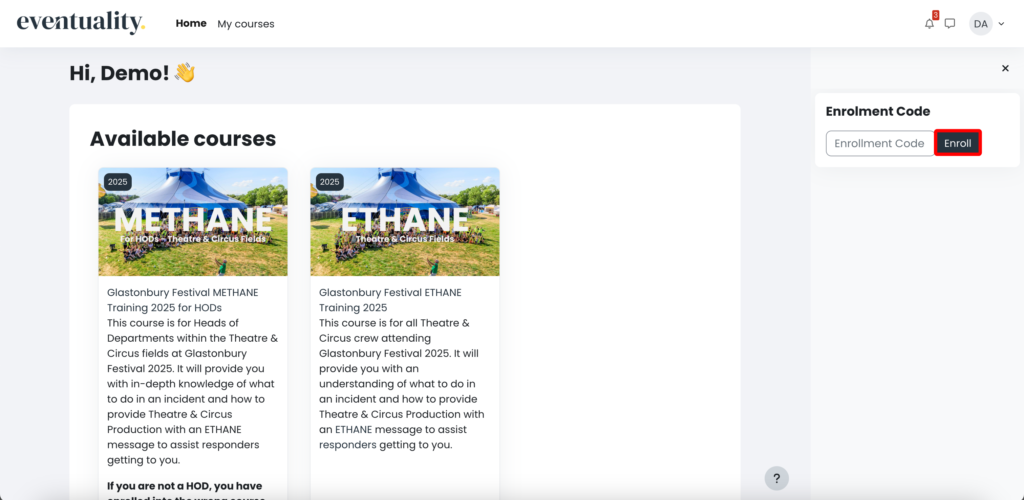
If the enrolment code you entered is valid, your screen will automatically refresh and you will be taken to the beginning of the course.